
Change or reset your passwordUpdated 2 days ago
Forgot your password? No stress, we've all been there.
To reset your password, head to this link, enter the email you signed up with, and click Send Reset Link.
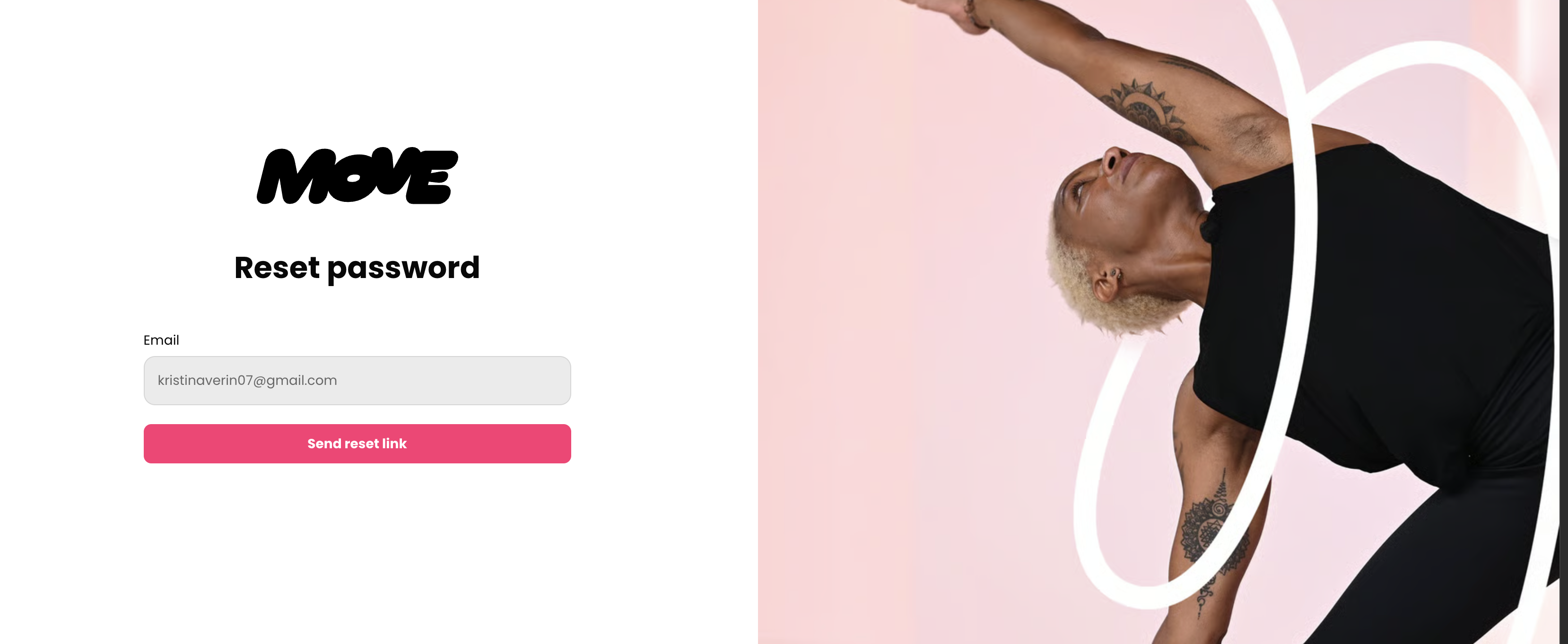
A password reset email will be sent to your inbox (check your spam, just in case).
You can also update your password at any time in the MOVE app or website. Head to your profile, select Edit profile (under your name), then Update password.
Joined with Apple or Facebook?
Your account doesn't have a password, so there's nothing to reset or update. Sign in with the same button you used to join. You may still see an Update password option in your profile; you can ignore it.